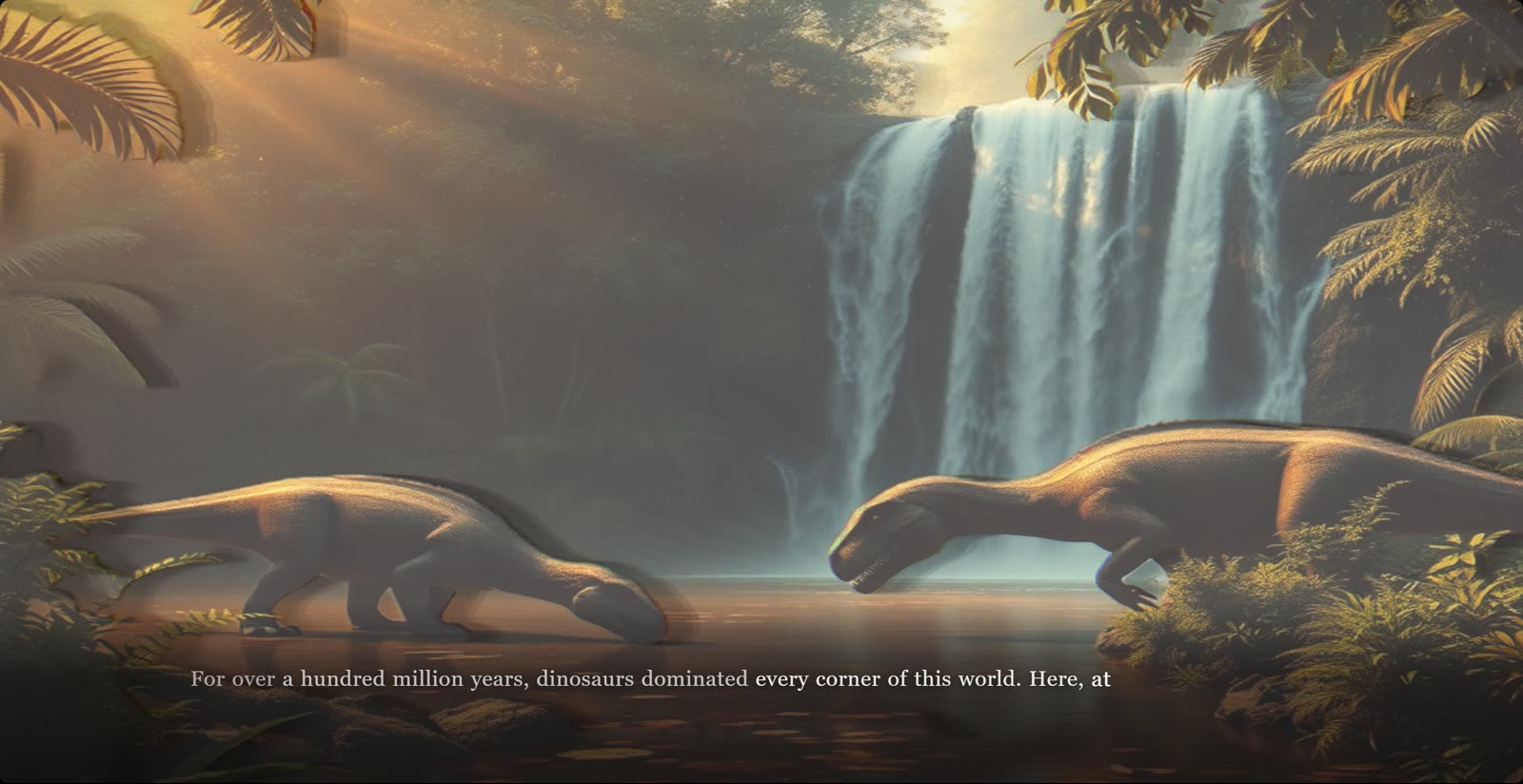
A world of fire
Ancient Earth
Before Humans
DEPTH PARALLAX · EMBERS
5 scenes · 40s
One real project, Deep Ocean: 5 scenes, 40 seconds, rendered by the Cinematic Story template. Press play and the board plays in document order.
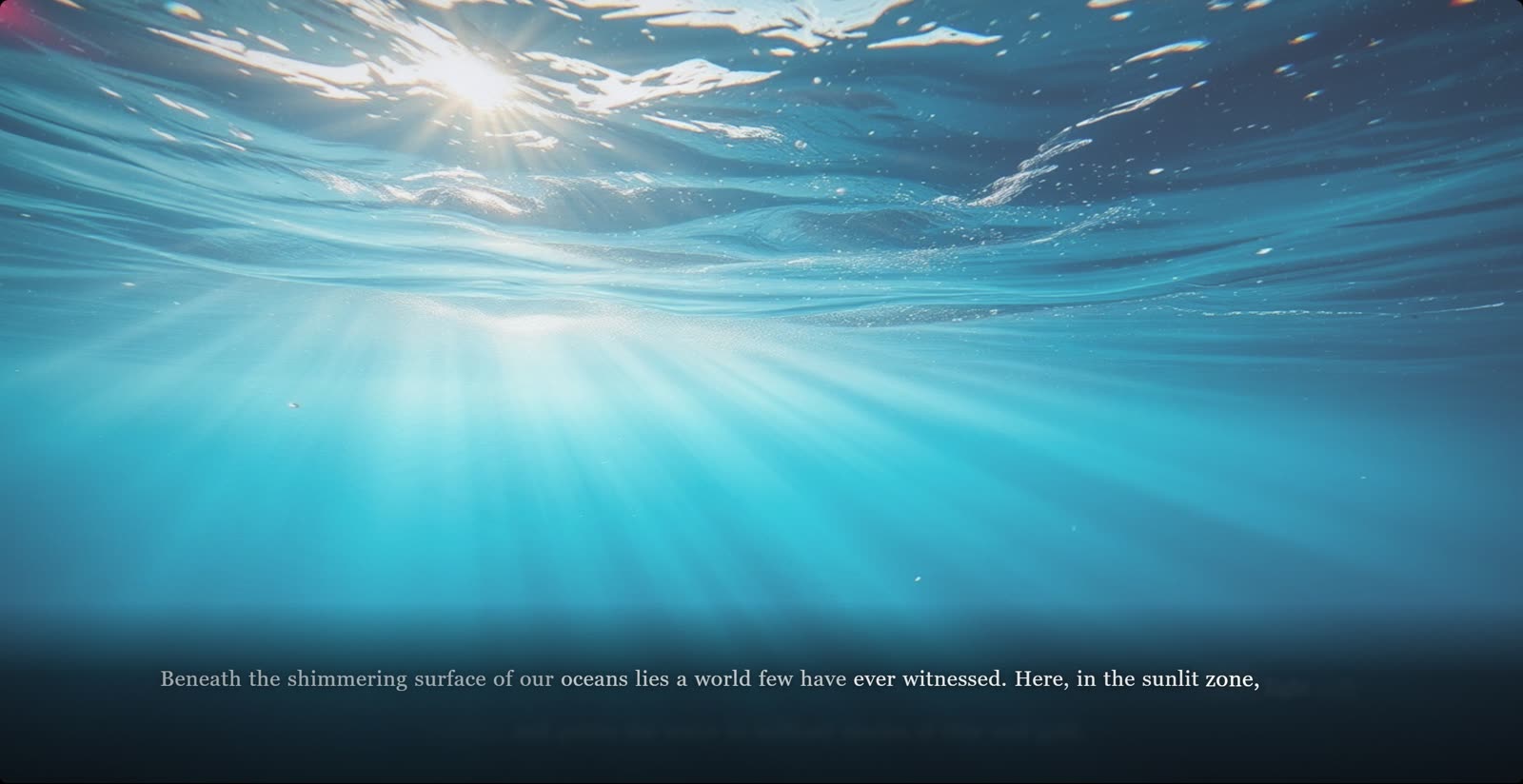
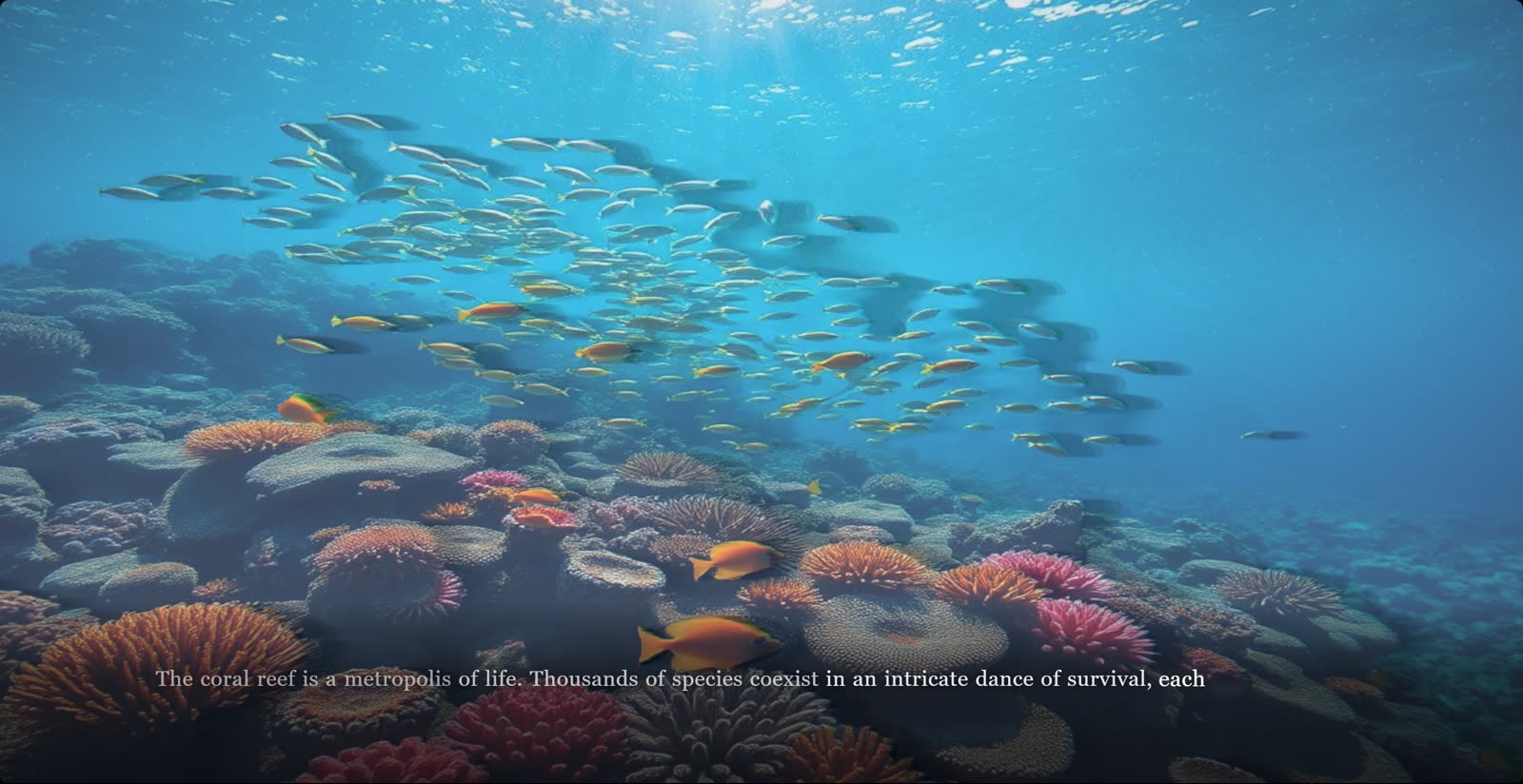
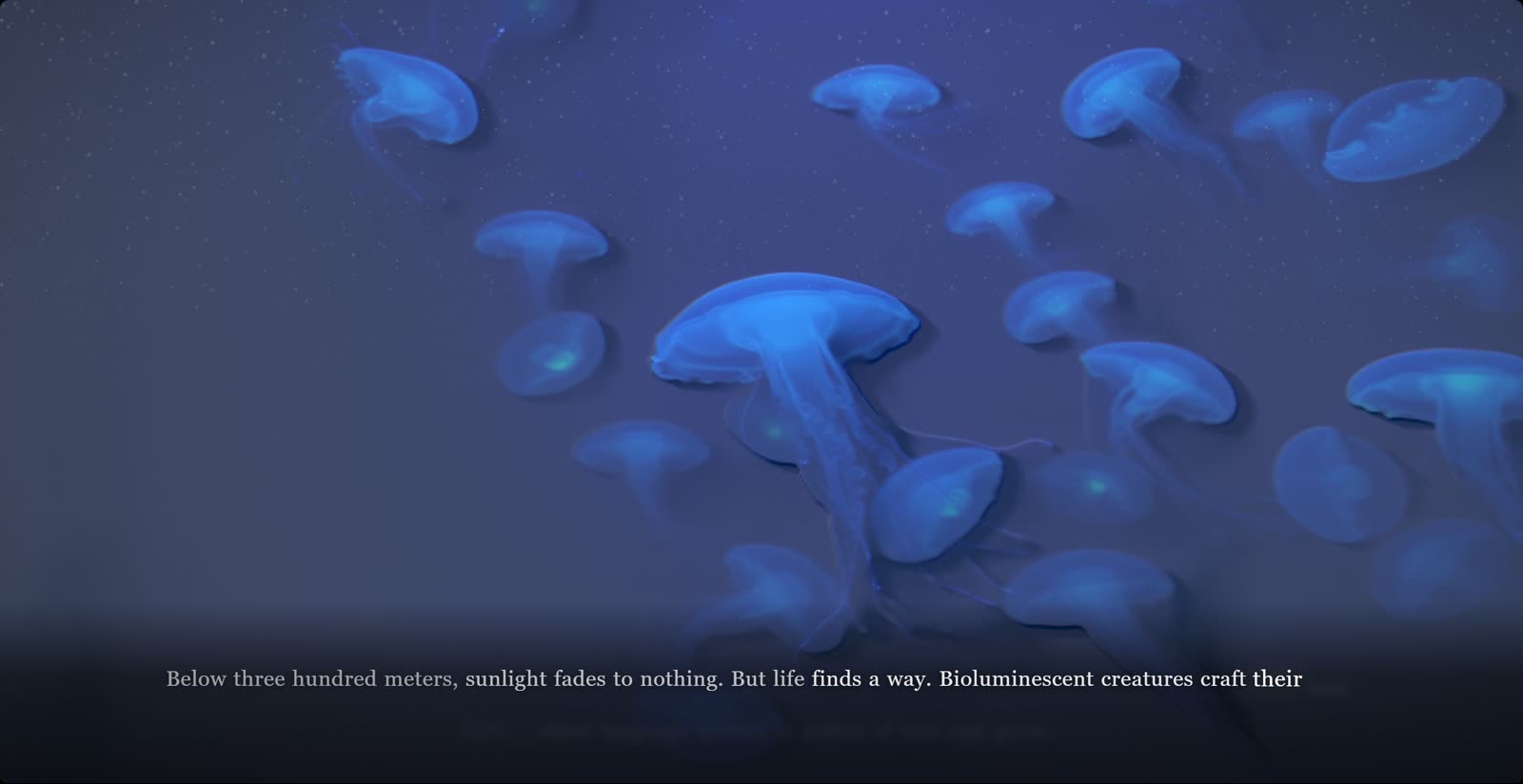
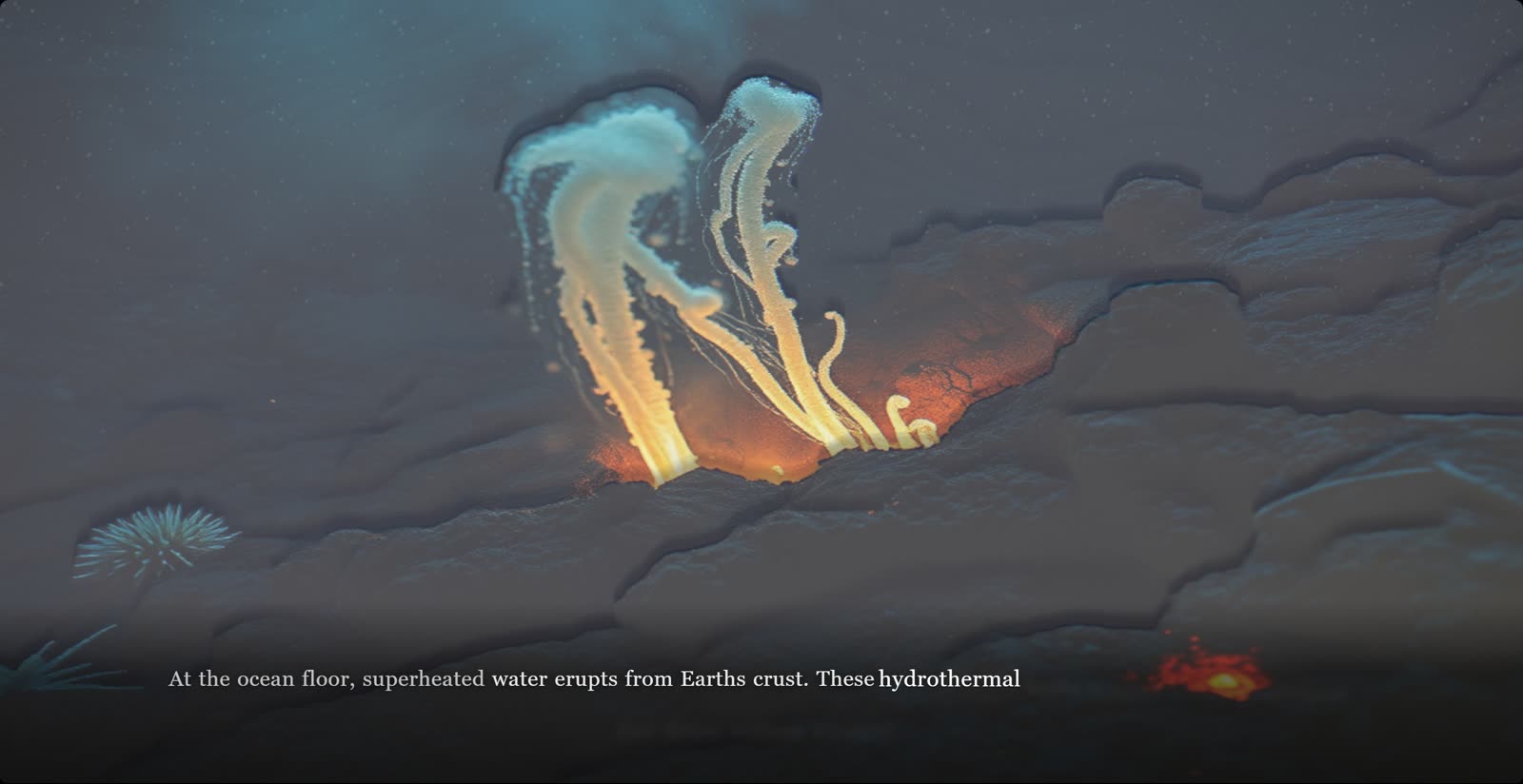
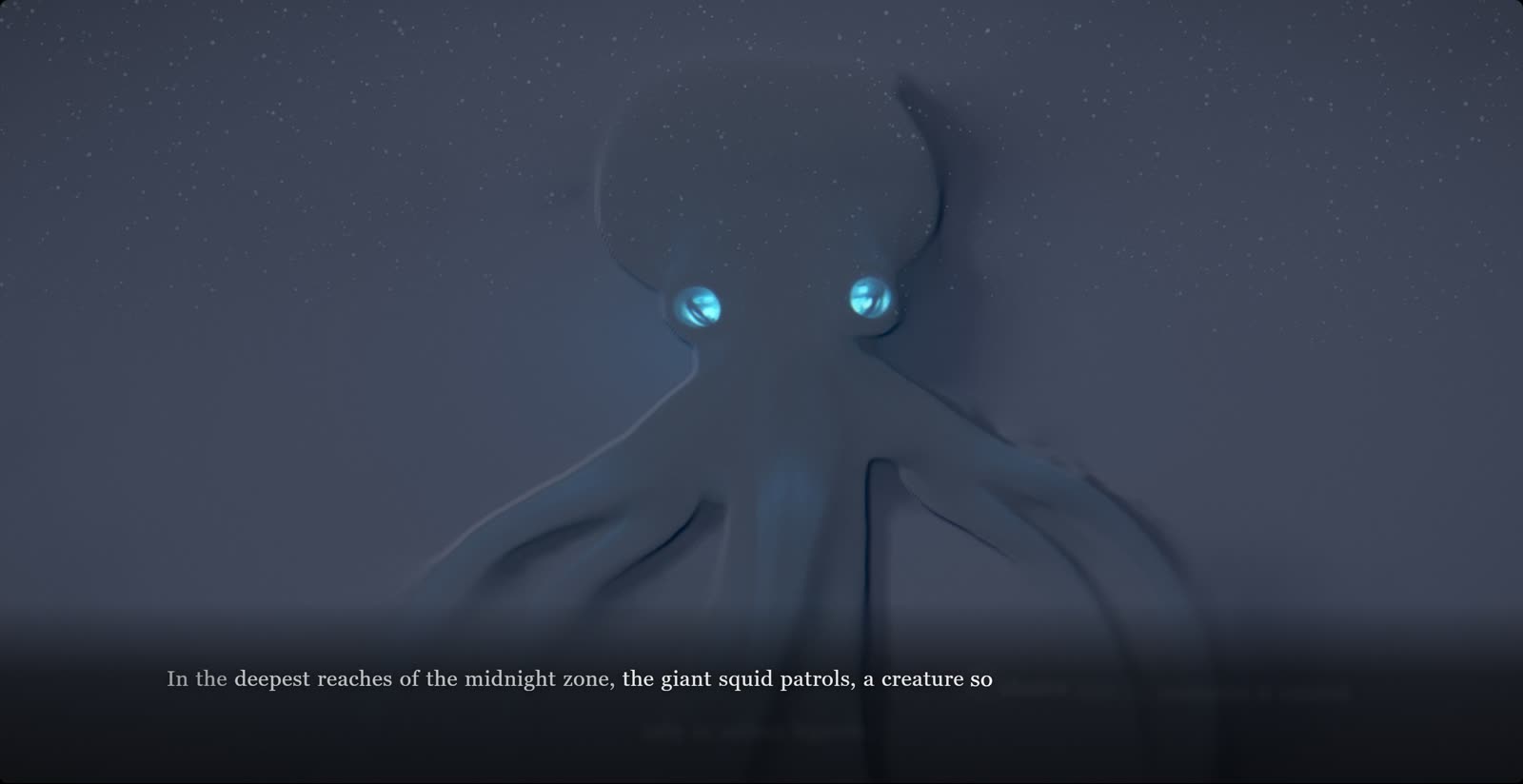
Every scene lives on an infinite canvas. Drag, connect, and regroup the story without touching a timeline.
Frames hold scenes, and other frames. An act is a group; a campaign is a group of acts. Play any level.
The board plays as the movie: each scene holds for its stored duration, and a group contributes its leaves in document order.
Three films, playing live in your browser right now, muted. Two renderers are running: depth parallax displaces each still on a camera move under volumetric light and particles, and the point cloud rebuilds the frame as 50,000 points carrying its depth map. Same components the editor previews and the renderer exports.
A world of fire
Valles Marineris
Every element finds its place
350+ selectable variants from 18 vendors, sorted into 29 categories and wired to the same board. A generation lands on the board as a scene.
ONE SUBSCRIPTION COVERS EVERY VENDOR BELOW
A generator returns a raw clip. Captions, timing, scene order, brand overlays and per-channel exports are the rest of the job, and the board is where they get done.
Put one prompt on every item of a batch and a different model on each, see what each second costs before you spend a credit, and send the take you keep straight to the board.
Wrap scenes into an act, nest acts inside acts, and press play on any frame to watch that branch alone. Playback follows the board's document order, so a regrouped board is a recut film.
Multi-track video, captions, SFX and VO stay in one 30 fps timeline with frame-level trim, split and undo.
Caption typography, motion curves and the audio mix are editable values, each with its own control in the inspector, and each written back to the composition.
9 of the 28 generation-ready templates. Every still is a frame of that template rendering. Pick one and the generator opens with it selected; describe your subject and it fills the scenes, and the timing, the type and the imagery stay editable on the board.
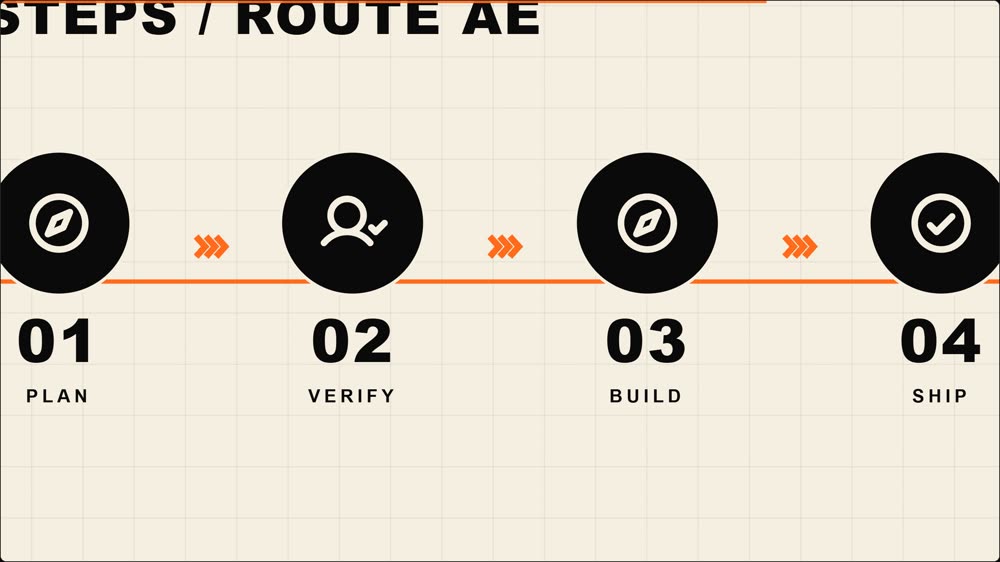
Four steps from prompt to exported file.
Open a blank board, pick a template, or describe a film and let the agent lay the scenes out.
Arrange AI clips, text, and assets as nodes on the storyboard canvas.
Layer audio, video, and effects with frame-accurate precision.
Render up to 1080p in 16:9, 9:16, 1:1 or 4:5 and download.
Model comparisons, storyboard planning and product video workflows from the aiEdit.pro blog.
What the product is, who it fits, and why a generated clip still needs a timeline.
Both. Generate clips with any of the 350+ model variants, arrange them as scenes on the board, then finish in one timeline with captions, audio and export.
Marketers, creative teams, founders and agencies making AI video ads, product demos, explainers and social clips, with generation, editing and export in one tool.
Yes. A generated clip arrives as raw footage. The timeline is where pacing is fixed, weak takes are cut, captions and audio are added, and per-channel exports are made.
50 credits on the free tier, no card. Images and the editor are free; video models start on Starter.
NO CREDIT CARD REQUIRED · FREE TIER AVAILABLE